



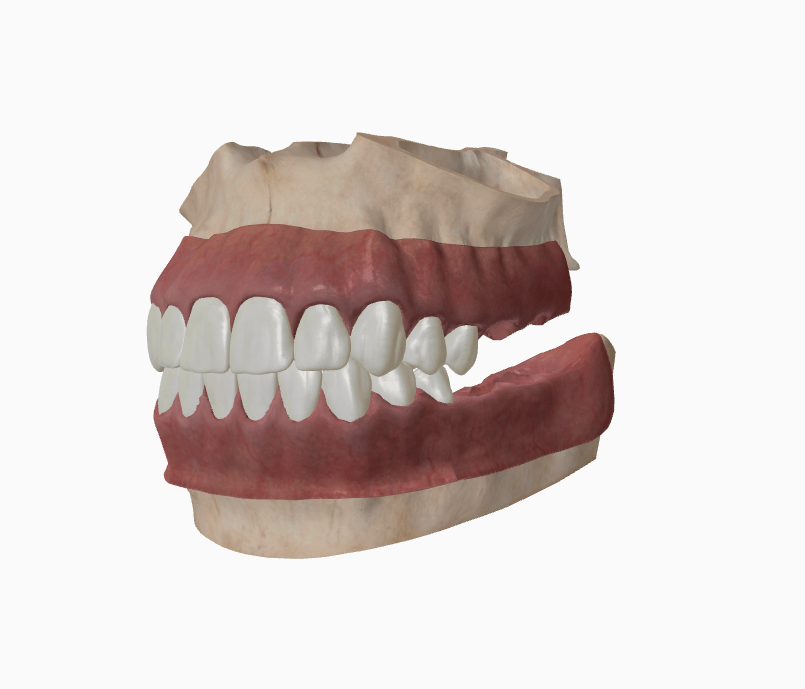
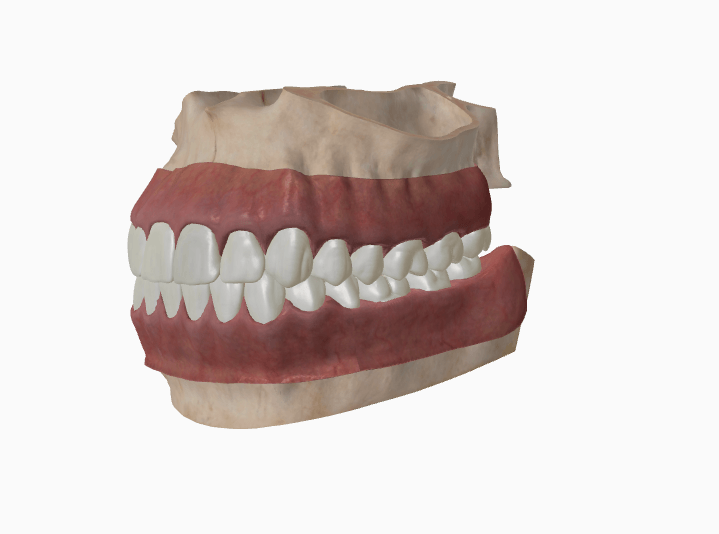


Adult and child teeth
Switch to the children's chart and place treatment on primary teeth. FDI or quadrant numbering, whichever your team uses.
Clinical
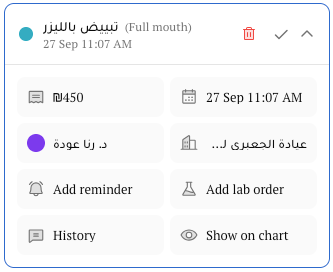
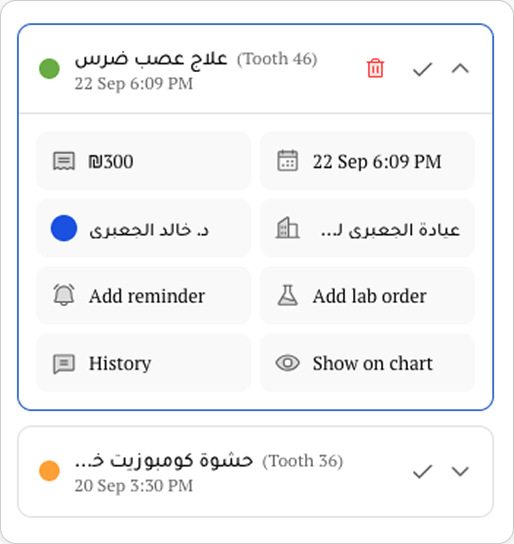
Put treatment on the tooth, and let the plan handle the price, the materials, and the invoice.
Feature
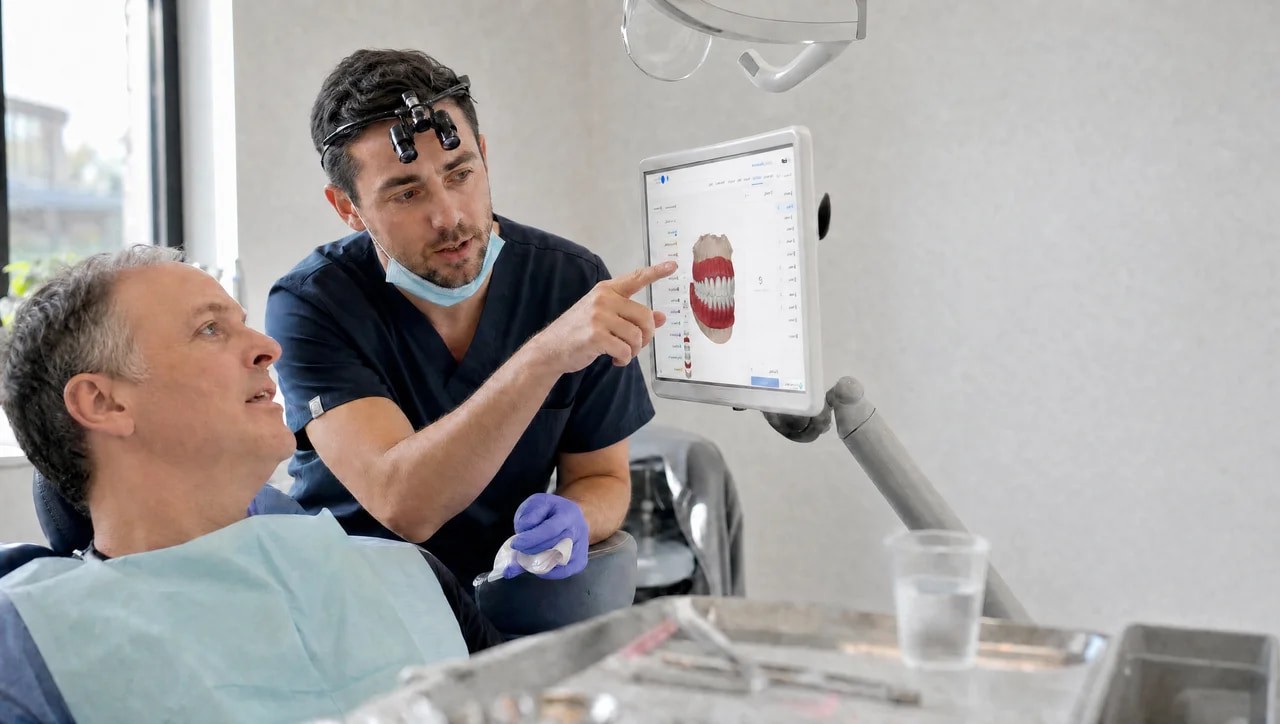
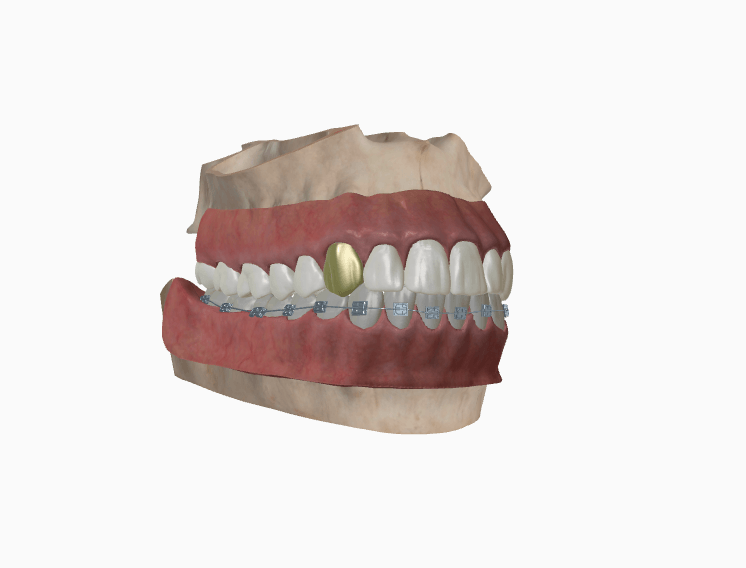
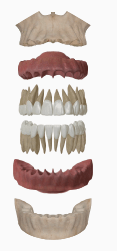
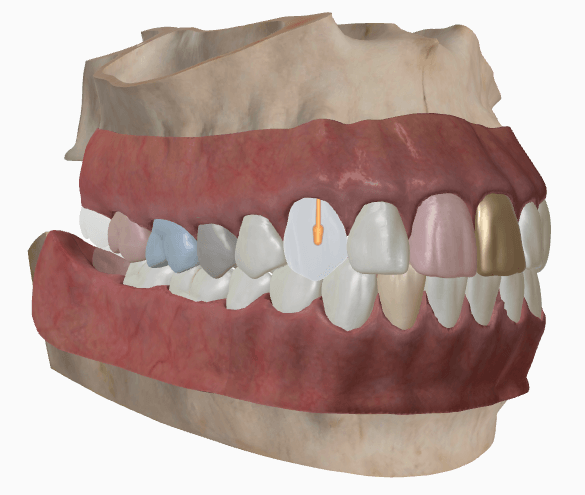
Rotate the jaw, open and close the bite, and show the patient exactly what you're talking about. Crowns, implants, and braces sit right on the tooth.
Feature
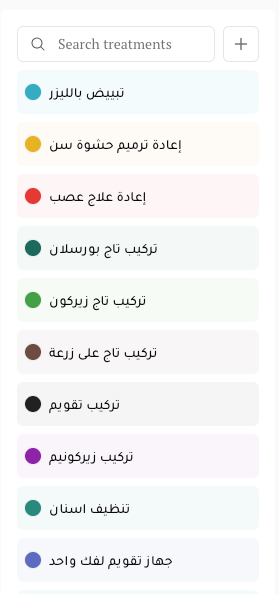
Place work on a tooth, a surface, a root, a whole jaw, or the full mouth. Each treatment has its own color, so the chart reads at a glance.



Feature
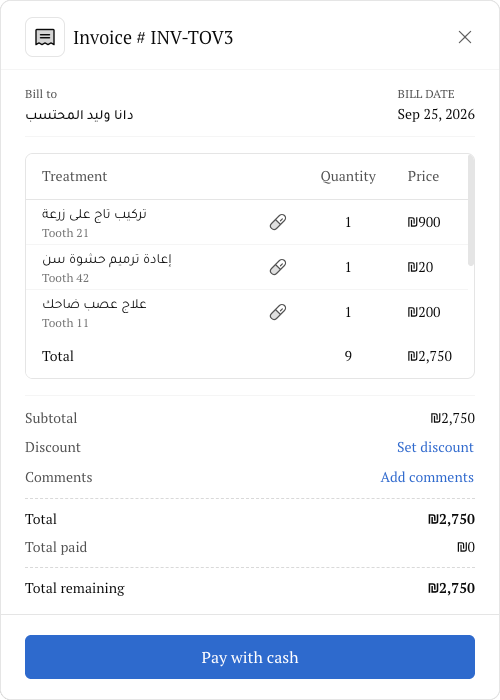
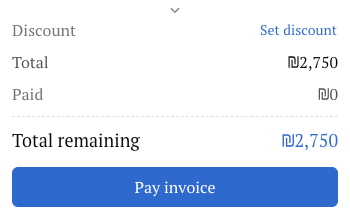
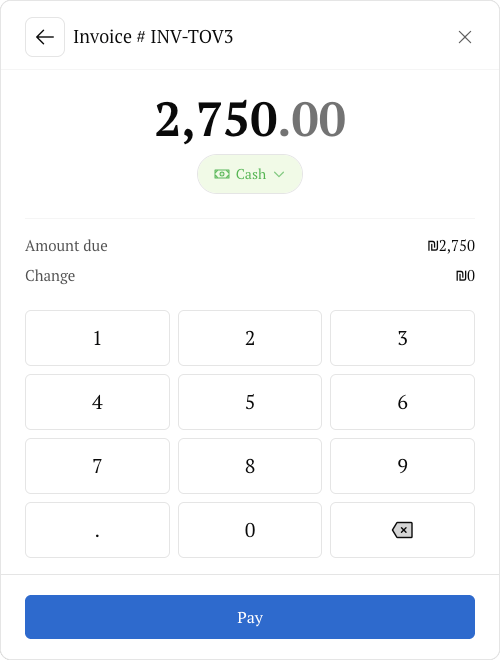
Prices come from your catalog, materials come off the shelf, and the invoice is ready before the patient leaves the chair.
Charting
One patient file holds the teeth, the plan, the gums, and the lab order.
Switch to the children's chart and place treatment on primary teeth. FDI or quadrant numbering, whichever your team uses.

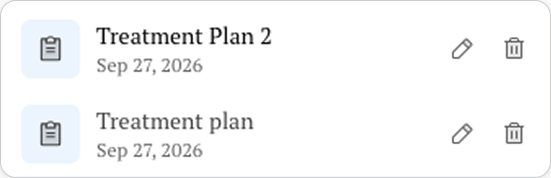
Keep several plans for one patient, switch between them, add comments, and see every change in the history.
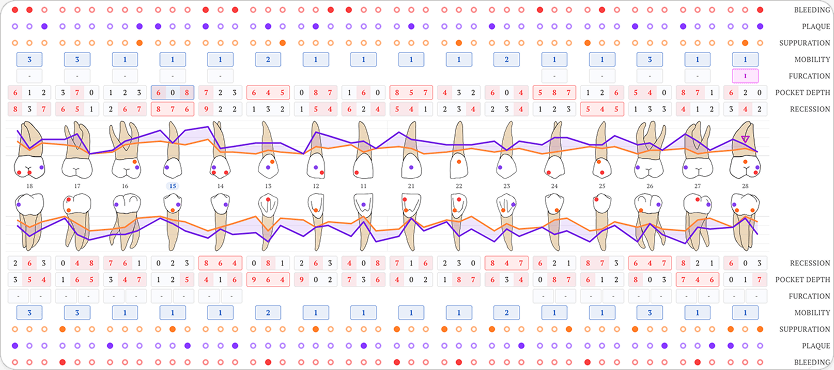


Six-pocket periodontal exams with pocket depth, recession, bleeding, mobility, and BOP percentage on every exam.
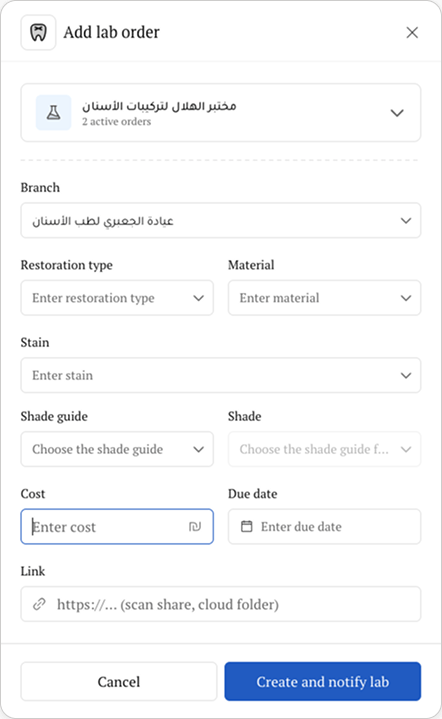
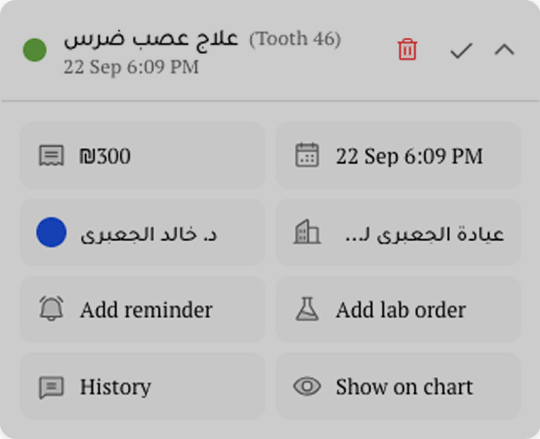
Order a crown straight from the treatment line, with the tooth number already filled in. Add the shade, material, and units on the same form. (Professional and above)
Charting
One patient file holds the teeth, the plan, the gums, and the lab order.
Switch to the children's chart and place treatment on primary teeth. FDI or quadrant numbering, whichever your team uses.
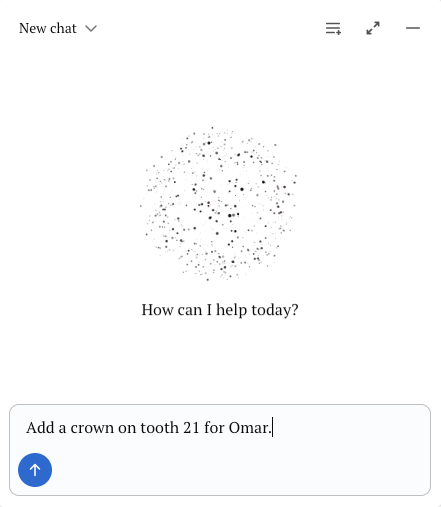
"Add a crown on tooth 21 for Omar." It lands on the plan, priced and ready. (Professional and above)
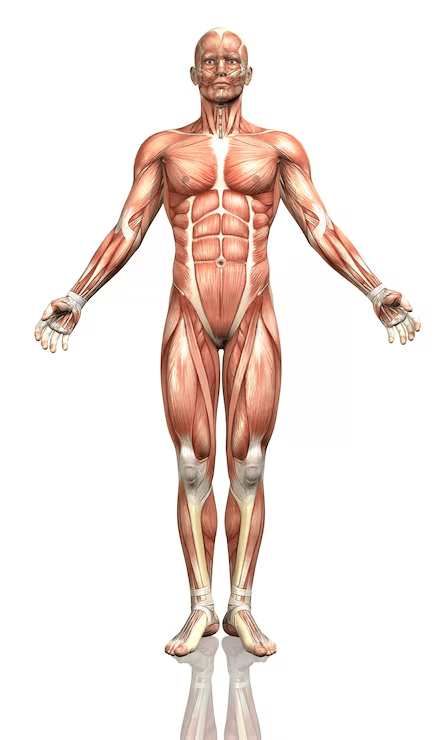
Same system, no teeth. Place treatment on the body, request tests, track their status, and print the request as a PDF.
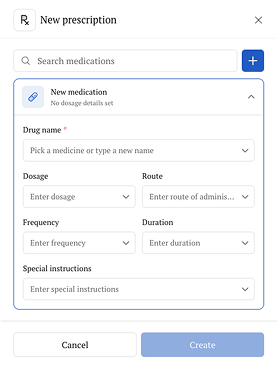
Pick, save as a template, send the PDF.
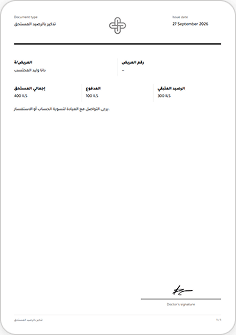
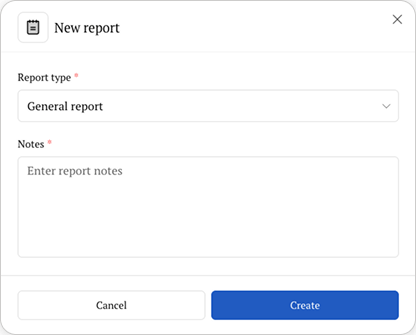
Your templates, filled from the patient file. (Starter and above)
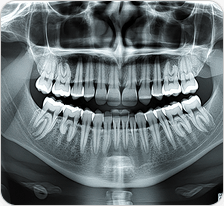

Images and documents, kept on the patient.
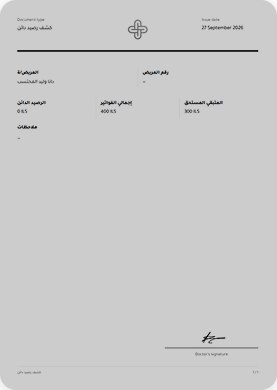
Your logo and signature on every document.
Testimonials
Dentists, doctors, receptionists, and lab teams share how Naab changed their day, from the first booking to the final payment.

“Before Naab, our schedule lived in one app, our patients on WhatsApp, and our invoices in a notebook. Now it's all in one place. I ask the AI to book a patient or add a crown, and it's done before my coffee gets cold.”
Fadi Ahmad, Clinic owner
Dentaid

“Cheques used to be a headache. Now I can see which ones are pending, cleared, or bounced, and patients get their receipts on WhatsApp right away.”
Omar Nasser, Accountant
Dentakay

“The walk-in queue alone saved our mornings.”
Lina Saleh, Receptionist
Royal Dental Clinic


“Clinics send orders straight to our board, and doctors get updates on WhatsApp without us picking up the phone.”
Yousef Khalil, Lab owner
Dental Focus